

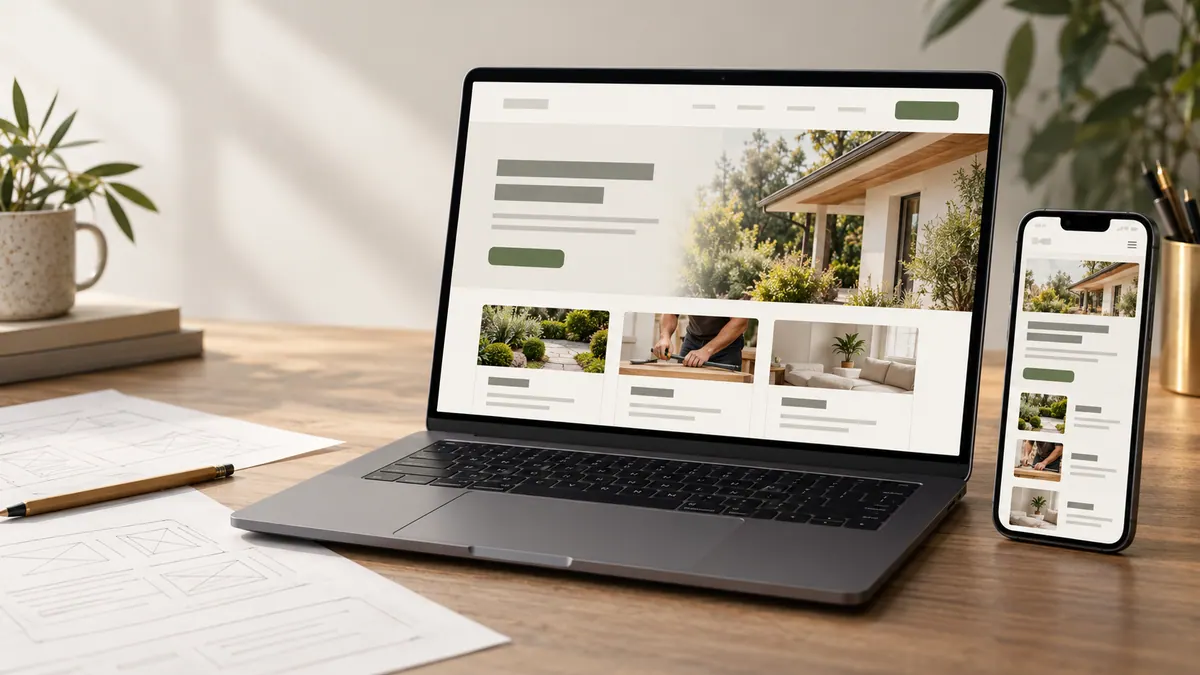
If you’re planning a new business website, you’ll probably run into this question: should you buy a template or pay for a custom design?
The advice online can make it sound like there’s only one respectable answer. Template builders promise speed and simplicity. Custom design companies promise something unique. Neither side is always wrong, but both can make the decision sound easier than it is.
I’d look at it differently. The best option is the one that fits your business, your content, your budget and what you need to change over the next few years.
Here’s how to make that decision without getting distracted by the sales pitch.
What is a website template?
A template is a predesigned website layout or collection of layouts that you adapt to your brand. You replace demo copy and images, adjust colours and typography, add pages, and configure the features the platform supports.
Templates can be excellent. A well-built one can have attractive layouts, responsive behaviour and sensible content structures. For a straightforward project, starting from a template can save time and money.
The catch is that the design usually assumes your business will fit its structure. That works when your needs are close to the example. It becomes frustrating when your content, offers or customer journey don’t fit.
A template isn’t automatically cheap, either. Extra plugins, customizations and ongoing platform fees can change the total.
What counts as a custom website?
In a genuinely custom project, the page structure and design decisions start with your business rather than with a demo layout.
For a fuller look at the planning and decisions behind a custom build, see custom website design for small businesses.
That doesn’t mean every icon or button must be invented from scratch. Most good websites use familiar patterns because people already know how to use them. Custom work is about making intentional choices: what information gets priority, how different visitors find their path, which layouts fit your content and what the website needs to do.
A custom website might use a lean codebase with reusable components. It might also be built on a content management platform. “Custom” describes the design and implementation approach, not one particular technology.
Always ask a provider what is custom in their proposal. The word alone doesn’t tell you enough.
Compare the options across the things that matter
Upfront budget and time
Templates usually have an advantage when you need to launch quickly and can work within the existing design. There is less initial design and development work.
A custom project tends to involve more planning, review and production. That effort can be justified when the requirements don’t fit a template, but not every small business needs it.
Ask for the complete project cost, not just the advertised theme or build fee. Include the work needed to customize, write content, integrate tools and test everything.
Design freedom and brand fit
A template gives you a starting point. You may be able to change colours, fonts, images and sections, but the underlying layout can be harder to reshape without custom development.
Custom design gives you more control over how the content is presented. That’s useful if your offer is unusual, if you have different audiences or if visual differentiation is important.
But a distinctive-looking website isn’t automatically a more useful one. A restrained layout with clear information may serve visitors better than something that tries to surprise them on every scroll.
Mobile usability
Both approaches can work well on phones. Both can also be awful.
A template may look polished in a demo but struggle once you add longer real headlines or complex forms. A custom design can be planned for your content at different screen widths, but only if mobile design and testing are part of the scope.
Check the actual mobile pages, not just a “responsive” label in the product description. Can you read the text comfortably? Is navigation clear? Are buttons easy to use? Does the contact process work without frustration?
Performance and speed
A custom site can be built with only the code and features it needs, which may make performance easier to manage. Templates and website builders sometimes include extra scripts or functionality you don’t use.
But there’s no guarantee. Poorly implemented custom websites can be slow, too. A careful developer can optimize either type.
Look at real performance and user experience rather than assuming “custom” or “template” makes the difference. Heavy images, unnecessary scripts and unstable layouts can hurt any website.
SEO and content structure
Google doesn’t award higher rankings just because a website is bespoke.
What matters is whether people can find useful information and search engines can understand the pages. Clear titles, useful content, sensible headings, discoverable links, mobile friendliness and sound technical foundations are all relevant.
Some templates support these well out of the box; others make control over metadata, canonical URLs or page structure awkward. A custom build can be designed with those needs in mind, but someone still has to do the work correctly.
If SEO matters, ask how pages, metadata, redirects, sitemaps and structured information will be handled. “SEO included” is too vague to evaluate.
Updating the site after launch
This is where the decision often gets overlooked.
With a template or builder, you may get an editing interface that makes content changes straightforward. That convenience can be valuable if your team regularly adds products or pages.
A custom website can also have a good editing workflow, but it should be designed deliberately. A site that requires a developer every time you want to change one sentence may not suit a fast-moving business.
Ask to see how updates will work. Who can edit copy? Can you add a case study? Can someone accidentally break the layout? Who maintains the software?
Ownership and long-term flexibility
Check what you own and what you’re renting.
Some platforms make it easy to export text and images but difficult to move the full design or functionality elsewhere. Custom code may give you more control over hosting and future changes, depending on the contract and technology.
Ask who owns the domain, content, original assets and code, and what would happen if you changed providers. Also ask about third-party subscriptions and the cost of replacing integrations.
This is less exciting than selecting colours. It’s also much easier to discuss before paying a deposit.
When I’d choose a template
I’d lean toward a well-made template if your business needs a simple, credible online presence, your content fits an established layout and you want to launch with limited time or budget.
It’s also a reasonable choice for testing a new idea before investing in a larger site. A small service business with a clear offer, a few pages and a basic enquiry form may not benefit enough from a fully bespoke design to justify it yet.
If you take this route, spend your effort on strong copy, honest photos, mobile usability and a clear contact path. Those details matter more than having a one-of-a-kind animation.
When I’d choose a custom build
I’d consider custom design when your website needs to support several different user journeys, explain a complex offer or reflect a distinctive brand through more than colours and a logo.
It’s also worth exploring when you need unusual functionality, better control over the content structure or a carefully planned system of reusable page types.
For example, imagine a business offering several services to different customer groups. It might need different landing pages, proof tailored to each audience and a way to guide visitors to the right next step. Starting with the site architecture may be more useful than bending an existing theme into shape.
The point isn’t that custom work is always superior. It’s that the requirements justify the approach.
The hidden third option: customize the right amount
Not every project fits into a neat choice between “off the shelf” and “completely custom.”
You might start with a reputable theme and commission a designer to improve the navigation, content structure and key conversion pages. You might build a bespoke front end while using an existing service for bookings or forms. You might launch a small site now and expand it when the business proves it needs more.
There’s no prize for writing code that an established tool already handles well.
What matters is understanding which parts of your website create value and which parts can stay simple.
Five questions to ask before deciding
What do you need the website to achieve in the next twelve months? How different is your content from what common templates expect? Who will maintain it? What features or integrations are essential? And how important is it to move or expand the website later?
If you are preparing to speak with a designer, this website designer preparation checklist can help.
Write down your answers. If the project is straightforward, a template may be entirely sufficient. If the requirements start fighting the layout, that’s a sign a custom approach deserves a closer look.
At Cielle Designs, I’d want that conversation to happen before the visual direction is locked. A good website plan starts with your business, not with a preferred tool.
Frequently asked questions
Can a template website look professional?
Absolutely. A good template with thoughtful branding, strong content and careful setup can look and function well. The risk is treating the demo as a finished solution rather than adapting it for real visitors.
Is a custom website better for Google rankings?
Not by default. Content quality, competition, relevance, technical implementation and other factors affect search visibility. Either approach can be optimized.
Can I switch from a template to a custom site later?
Usually, but the effort depends on the platform, content, URLs and integrations. Plan redirects and preserve valuable content if the move changes page addresses.
Will I be able to edit a custom website myself?
That depends on the editing workflow agreed during the project. Ask for a demonstration of how common changes will be made before signing off on the build.
What if my budget is limited?
Prioritize the pages and functions people actually need. A smaller, clear website is often a better starting point than paying for features you can’t use or maintain.
If you would like to talk through what your business website needs, you can book a free consultation with Cielle Designs.