

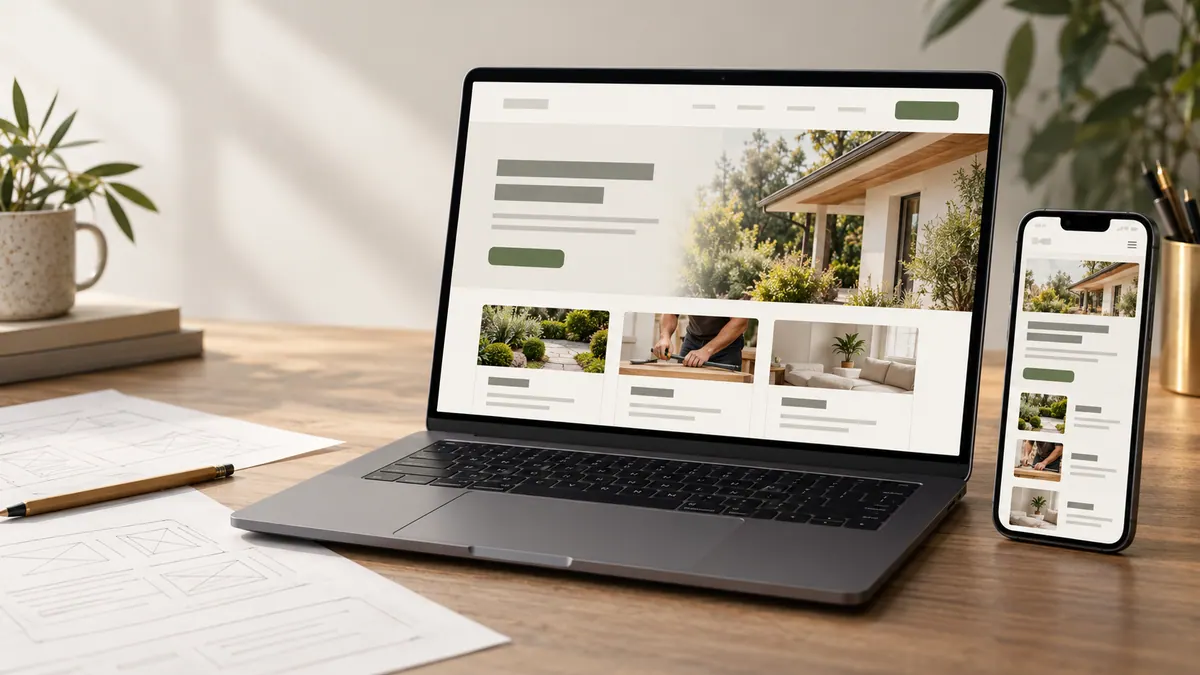
A business website doesn’t need to do everything. It does need to do the right things well.
When I think about building a website, I don’t start with the colours, animations or how many sections will fit on the homepage. I start with a simpler question: what does someone need to understand, feel or do after they land here?
Maybe you want people to request a quote. Maybe they need to browse your services, book an appointment or feel confident enough to get in touch. If the website doesn’t help them get there, the design isn’t finished—no matter how polished it looks.
If you’re considering a custom website for your business, here’s what I’d work through before paying for one.
What makes a website “custom”?
Custom doesn’t have to mean complicated. It means the decisions behind the website come from your business: who you want to reach, what you’re offering, how people make a decision and what you want them to do next.
A template usually starts with a layout you adapt. A custom build starts with your requirements and develops a layout around them. Both can produce good websites. Both can also go wrong.
The difference that matters isn’t whether every button was designed from scratch. It’s whether the website fits the job. A straightforward service business might only need a handful of strong pages. A company selling complex services may need clearer pathways for different types of customers, richer explanations and more carefully planned contact flows.
Start with the outcome, not a list of features
Before you think about page design, make a short list of what success would look like. Not vague goals like “look more professional”, but things you could recognize in real life.
For example: “People should understand our main service in ten seconds.” “They should be able to find pricing information or request a quote without hunting around.” “Visitors on a phone should be able to contact us without zooming in or filling out a long form.”
Then decide what the website needs to support those goals. A quote form might matter more than a full-screen video. A helpful service page may do more work than an elaborate homepage animation.
I’m not against thoughtful visuals. I just think they should earn their place.
Plan the pages around real customer questions
I like to think of a website as a set of answers. Different visitors arrive with different questions, and each page should help with the next decision.
A good homepage explains what you do, who it’s for and why someone should continue. Service pages explain the work itself—what’s included, who needs it, what the process involves and how to take the next step. An About page gives visitors a reason to trust the person or team behind the offer. A contact page removes unnecessary friction.
If you have examples of work, include them with useful context. What was the brief? What problem did the work address? What did you actually create? Don’t invent outcomes or turn every example into a vague success story.
The number of pages matters less than whether each one has a reason to exist. Adding more thin pages just to make a site feel bigger rarely helps the customer.
Write the content before you polish the design
This is one of the easiest steps to underestimate. It’s also where many website projects slow down.
The right layout depends on what you’re actually saying. A short headline and three neat cards won’t work if your offer needs explaining. On the other hand, a long block of copy won’t help if someone only needs a location, opening hours and a booking button.
Before the final design, collect your service details, main questions, honest proof, images and calls to action. Get rid of anything a visitor wouldn’t understand. Replace claims such as “quality solutions” with what you actually deliver.
A useful test is to read each page without looking at the design. Can you tell what the business does? Is it clear who it’s for? Do you know what to do next? If not, the copy needs another pass.
Make mobile design part of the plan
Mobile isn’t the desktop design squeezed into a narrower space. People use phones differently. They scroll, tap, skim and sometimes try to get information while doing something else.
That means headings should wrap cleanly, buttons should be easy to tap, forms should be manageable, images shouldn’t overwhelm the screen and navigation should make sense without a mouse. The most important information should still be easy to find.
I would review the actual phone layouts before approving the design, not leave them until the build is nearly finished. Fixing a confusing structure late usually takes more work than getting it right early.
Build SEO into the structure, not as an afterthought
Search engine optimization starts with making the website understandable. A clear page about a specific service is generally more useful than a page that repeats the same keyword ten times.
Every important page should have a clear purpose, a descriptive title, a sensible heading structure and content that answers the searcher’s question. Pages need logical internal links, descriptive URLs and a way for search engines to discover them.
The technical foundations matter too. I would check that important pages can be indexed, that the mobile version works, that images are optimized, that canonical URLs are set correctly and that the site doesn’t make visitors wait unnecessarily.
You don’t need to fill the site with keywords to prove it’s “SEO-friendly”. You need well-planned pages that are genuinely helpful, with the technical basics handled properly.
Think about the questions people ask before they contact you. Those questions can become useful articles. A blog about pricing, timelines or choosing the right approach may attract someone who’s still researching, while a strong service page helps them decide whether to enquire.
Consider the hidden work behind the quote
When comparing website quotes, it’s tempting to look only at the final number. But two quotes can include very different levels of work.
If you are comparing proposals, this guide to custom website costs explains what can sit behind the final number.
Ask whether the price includes discovery, page planning, copy support, desktop and mobile design, development, revisions, forms, basic on-page SEO, analytics, testing and deployment. Find out who supplies photos and content, who owns the finished site, whether you can update it and what ongoing support looks like.
Sometimes a lower price is exactly right for a simple project. Sometimes it means a lot of important work has been left out. Neither price alone nor a fancy proposal tells you which.
If something is described as “custom”, ask what is actually tailored. Is the layout designed for your content and audience? Are mobile screens considered? Are components and functionality built around your requirements? Or is an existing theme getting a new logo and colour palette?
The goal isn’t to make every website expensive. It’s to understand what you’re buying.
Know what you can prepare in advance
You don’t need a complete website brief before talking to a designer. But a few useful answers can make the conversation much more productive.
The website designer preparation checklist takes these starting points further.
Have these ready: a short description of your business; your main services or products; the people you’re trying to reach; the single most important action visitors should take; existing brand files and images; any website you already own; examples of sites you like (and why); any features you genuinely need; and a realistic idea of timing and budget.
If you’re unsure about some of these, say so. Part of the design process is making those decisions together. Pretending you know exactly what you want when you don’t usually creates more revisions later.
How I’d approach the build at Cielle Designs
The approach I want Cielle Designs to follow is straightforward: understand the business first, plan the content and pages, explore the visual direction, approve the design and only then move into development.
You can also review the website launch checklist for the checks that happen before a site goes live.
That gives the project a clearer direction. Instead of using the build phase to figure out the look and feel, the approved design becomes the reference for what gets made.
The website still needs to be checked in the real world. That means reviewing desktop and mobile layouts, testing contact forms, checking links and accessibility, validating the SEO basics and making sure the deployed version matches what was agreed.
A website isn’t ready because it works on one laptop. It needs to work for the people who will actually use it.
How to decide whether a custom website is worth it
A custom website makes sense when the business has specific requirements, a strong reason to differentiate its experience or content that a general template doesn’t handle well. It’s also useful when you want tighter control over performance, structure and how the site can evolve.
For a closer comparison of the two approaches, read custom website vs template.
A template might be the smarter choice when the website is simple, time or budget is tight and the layout fits your content without awkward workarounds. There’s nothing wrong with that.
What I wouldn’t recommend is paying for custom work simply because “custom” sounds more premium—or forcing a complex business into a template that makes every important change difficult.
Start with the business problem. Let that determine the right build.
The takeaway
The best website isn’t necessarily the one with the most pages, effects or expensive features. It’s the one that makes your business easier to understand, easier to trust and easier to contact.
If you’re planning a new website, start with your goals, your customers and the content you need to explain your offer. Once those are clear, the design decisions tend to become much easier.
If you’re considering a new website and want to talk through what yours actually needs, you can get in touch with Cielle Designs. The first conversation should be about your business, not a long list of features.
Frequently asked questions
Is a custom website better for SEO?
Not automatically. Search performance depends on content relevance, site structure, technical quality, competition and many other factors. Both custom and template-based sites can be SEO-friendly if they’re planned and built well.
How many pages does a small business website need?
Enough to explain the business and support the next action. Many service businesses can start with a homepage, key service pages, an About page and a contact page. Add separate pages when they serve a real search or customer need.
Can I use my own website content?
Yes. Your expertise, service descriptions, photos, and common customer questions are a strong starting point. They may need editing so that visitors can understand them quickly and find the information they need.
Should the website be designed before development?
For most bespoke projects, it’s useful to agree on page structure and desktop/mobile design before major development. That reduces confusion about what should be built and keeps revisions focused.
If you would like to talk through what your business website needs, you can book a free consultation with Cielle Designs.