

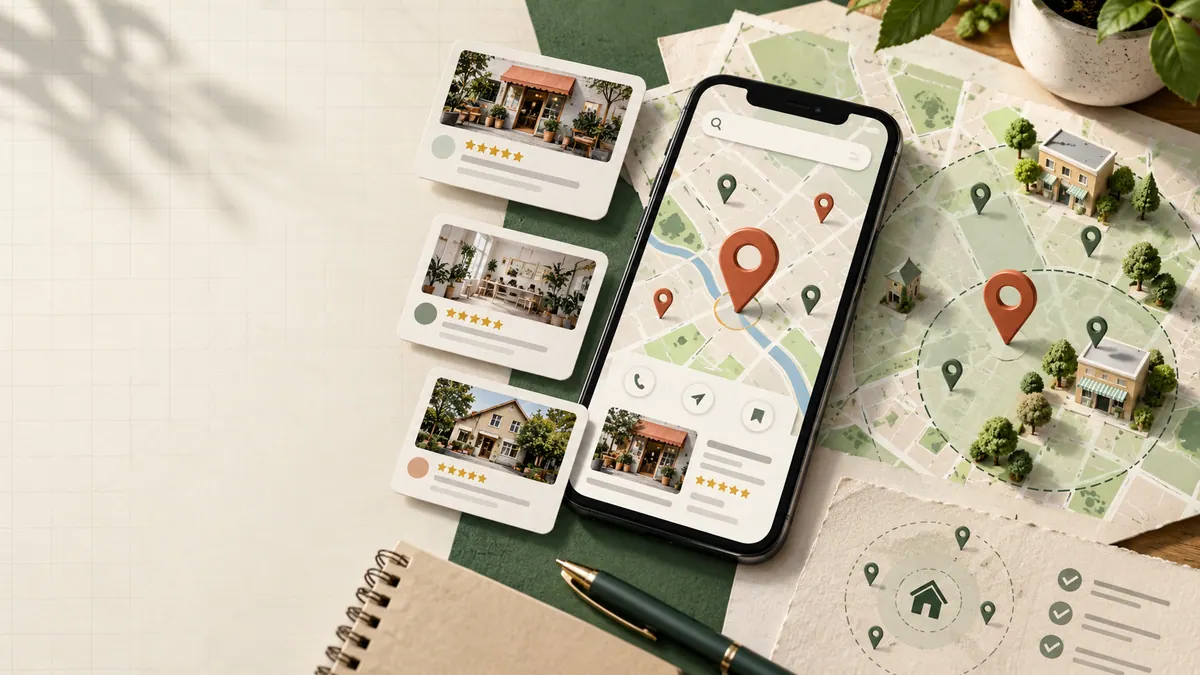
Customers often look at photos before deciding whether a local business feels like the right choice. They want to know what the place looks like, who might arrive at their property or what sort of work the team actually does.
You don’t need a glossy professional shoot for every update. You need photos that are real, clear and helpful.
Here’s the photo library I’d build for a local business.
Show customers how to find you
If you have a public storefront, workshop or office that welcomes visitors, start with an exterior photo.
Show the actual entrance, relevant signage and, when useful, the surrounding approach so someone arriving for the first time can recognize it.
An interior photo can then show the space customers will use: reception, seating, treatment rooms or a showroom, depending on the business.
For service-area businesses that visit customers, don’t invent a public storefront. Photos of the team, vehicles and work process may be more relevant.
Introduce the people behind the business
A real photograph of the owner or team can make a business feel more approachable.
Use current images and make sure everyone pictured has agreed to publication. Avoid stock photographs that imply people work for you when they don’t.
A casual but clear image of the team preparing for work may be more believable than an awkward staged handshake. Don’t sacrifice professionalism, but don’t make authenticity disappear in the process.
Show the process, not just the finished job
Contractors have an advantage here: their work creates useful visual stories.
Photograph preparation, materials, protective measures, work in progress and the finished result. A customer planning a renovation may care as much about how the team protects a home as the final appearance.
If you take before-and-after images, use matching perspectives when possible and avoid editing them to create misleading differences. Get permission before showing someone’s property, possessions or identifying details.
For longer project stories, see how to write a contractor case study.
Choose photos that answer a question
Every image should have a reason to exist.
A restaurant’s interior photo helps customers imagine the atmosphere. A professional practice may need a clear entrance and welcoming reception. An installer might show the equipment or a typical finished job.
Ask what uncertainty the picture removes. That approach will give you a more useful image set than uploading every photograph on your phone.
Keep quality simple and consistent
Use good light and a steady camera. Clean the lens. Frame the subject clearly and remove distracting private information.
Keep the original photographs safely and prepare copies where necessary. Avoid excessive filters, artificial overlays and heavy edits that make the scene unlike what customers will find.
For website use, create optimized versions rather than loading giant camera originals. Our website image speed guide explains that separate workflow.
Respect Google’s photo rules
Business Profile photos are not the same as website hero images. Upload formats, dimensions, moderation and image display are controlled by Google’s product rules.
Review the current Google Business Profile photo guidance before preparing an upload batch. Not every accepted photo will necessarily appear in the order you expect.
After uploading, look at the public profile and confirm which pictures are visible.
Make photo capture part of normal operations
Set up a repeatable routine.
A contractor could photograph arrival and site preparation, one meaningful detail during work, the final result and the cleaned-up work area. A retailer could refresh the storefront, displays and team when something genuinely changes.
Keep photos organized by date, project or location. Record permissions and select the best rather than uploading near-duplicates.
You don’t need to manufacture a new visual story every week. Update the library when you have something useful and accurate to show.
Use the same authentic assets across your website
Your Business Profile and website should reinforce each other.
If a visitor clicks from the profile to your service page, the imagery should still represent the same business and quality of work. You can use a project photograph in a case study and a cropped version in the profile, provided permissions cover both uses.
Also make sure the business information agrees. Our guide to Google Business Profile categories covers another important part of accurate presentation.
Image performance sits alongside accessibility and technical foundations; the technical SEO audit checklist is a useful companion.
Frequently asked questions
Are professional photographs necessary?
Not always. Clear, well-lit authentic photos are often more useful than stock images. Consider professional photography when the space or product genuinely benefits from it.
How often should I add new photos?
When you have new, useful and accurate material. Consistency is good; uploading filler on an arbitrary schedule isn’t.
Can I use stock photos on my Business Profile?
Avoid images that misrepresent the business, its team or actual work. Follow Google’s current rules and prefer authentic assets.
Should I put lots of text on the images?
Usually not. Keep essential information in readable profile and website text rather than relying on graphic overlays.
Think of your photo library as a visual answer to “What would it be like to work with this business?”