

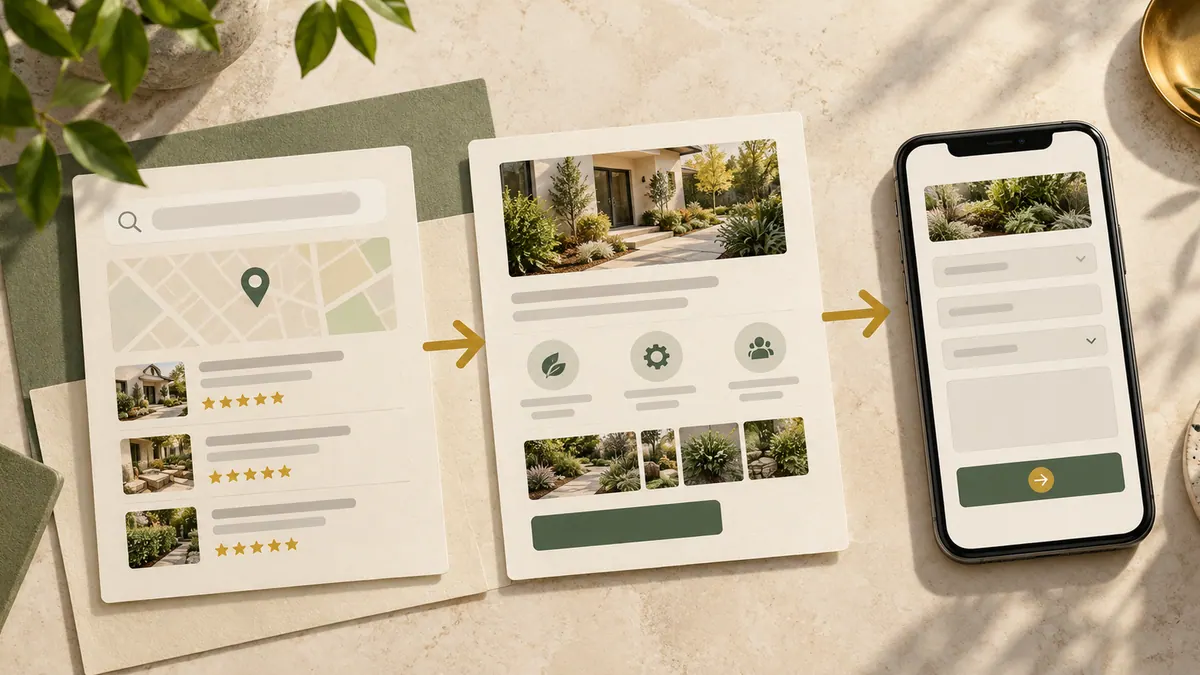
A contractor’s website can have good service pages, useful project photographs and helpful articles—and still make visitors work too hard to connect them.
Someone reading about roof maintenance may need to know whether you offer inspections. Someone viewing a bathroom renovation may want to see similar finished projects. If those pages don’t link to each other, the visitor has to return to the menu or start a new search.
Internal linking solves that practical problem. It also helps search engines discover pages and understand how the website fits together.
Think about the next customer question
Don’t begin by asking how many links an SEO tool recommends. Begin with the reader.
After someone reads a service explanation, what would reasonably help them decide? A project example, answers to common questions, an outline of the process or a quote page may be the natural next step.
From a project page, link back to the service involved. From a preparation guide, link to the service or booking route that helps the reader act.
These connections are more useful than linking every article to every other article.
Make a simple map of your main pages
Start with the primary services your business actually sells.
For each service, list related support pages: relevant projects, FAQs, maintenance advice, location information and the contact path.
For example, a roofing service page might connect to a roof inspection checklist, a case study showing an actual repair and the estimate request page. The inspection checklist can return visitors to the service page when the job needs professional help.
If a service is important enough to have its own page, it should be possible to find it from relevant parts of the site.
Use anchor text people understand
“See the roof repair process” is a clearer link than “Click here.”
Choose wording that naturally describes the destination. Avoid repeating the same exact keyword in every link or forcing awkward phrases into sentences.
A good link should still make sense when someone reads the paragraph normally. For example: “If you’re gathering information before an estimate, read our contractor homepage checklist” only belongs where homepage planning is genuinely relevant—not randomly on a roofing repairs page.
The context tells you whether a link helps.
Give project work a proper place
Many contractor websites hide valuable proof in a gallery with little explanation.
A contractor case study can show the starting problem, decisions, completed work and genuine photos. The service page can point to the case study as supporting evidence. The case study can then link back to the appropriate service and quote process.
That creates a useful path for someone comparing providers without pretending that the photographs guarantee a particular outcome.
Link blog advice to real services
Educational content can attract visitors who aren’t ready to enquire. That’s fine.
A guide about seasonal maintenance can explain when a homeowner can check something safely and when to contact a qualified specialist. The link to the service page belongs at the point where professional assistance becomes relevant.
Avoid pushing visitors to contact you before you’ve answered their question. If the article feels like a sales pitch with a few paragraphs attached, its usefulness suffers.
Find pages that have become isolated
An orphan page is a page with few or no links leading to it from the site’s own content or navigation.
Open your sitemap or content inventory, then check which important pages receive internal links. Look at service pages first, followed by useful project work and articles.
Also inspect links that repeatedly redirect, point to removed services or send visitors to the homepage when a more specific page exists.
Our guide to 404 pages and redirects explains what to do when an address changes.
A 20-minute internal-link audit
Take one core service. Find the service page and list the three most useful related resources. Check whether it already links to them. Then inspect those resources and add a relevant path back to the service page if one is missing.
Repeat for the other key services. Don’t create extra links solely to reach a number.
Finally, use your phone. Do links look like links? Are they easy to tap? Is the destination genuinely what the anchor promised?
Internal linking and local SEO
For contractors serving several areas, internal links can help connect genuine service-area information to the correct services.
But links don’t justify making dozens of near-duplicate town pages. Where a location deserves its own page, it should contain meaningful differences or evidence. Our service-area pages guide covers that decision.
Linking is the finishing layer on a sensible content structure, not a replacement for one.
Structured data belongs alongside crawlability and metadata; use the technical SEO audit checklist for the wider review.
Frequently asked questions
How many internal links should a contractor blog post have?
As many as genuinely help the reader continue. There’s no universal quota that makes an article useful.
Should every article link to a quote page?
Only when the contact route makes sense for that article and its audience. A relevant service page may be a better next step.
Do internal links help SEO?
They help search engines discover and interpret pages, but they don’t guarantee rankings. Quality, relevance and technical accessibility still matter.
Should I use the same keyword as anchor text everywhere?
No. Use natural, descriptive phrases that reflect the destination and surrounding sentence.
A good internal-linking system should feel almost invisible. The customer simply keeps finding the next answer.