

Some services have predictable busy periods: storm repairs, heating maintenance, spring landscaping and holiday bookings. That creates real opportunities to help customers prepare.
But a new season isn’t automatically a good reason to publish ten more pages. I’d start by asking whether the service is meaningfully different and what customers actually need to know.
Look for a real seasonal change
Does the business offer different work during this period? Is there limited availability? Are there extra preparation steps, weather restrictions or booking deadlines?
If the work stays the same and only the calendar changes, an update to the regular service page may be enough.
Write down the difference before deciding that the website needs another URL.
Choose a service page, guide or update
A dedicated seasonal service page makes sense when the offer is distinct, recurring and important to the business.
A blog guide is better when you’re explaining how customers can prepare or what decisions they need to make. An existing service page update may work when the service itself hasn’t changed but availability has.
The goal is one useful answer for the customer, not three competing pages about the same question.
For page planning, see matching service pages to customer needs.
Preserve useful URLs between seasons
If the service recurs each year, a stable URL can usually be updated rather than creating a new page with each year’s date.
Refresh availability, useful examples, current preparation advice and any relevant terms. Remove expired discounts promptly.
For a temporary campaign page, decide what happens when it ends. A relevant redirect may make sense; sending every old link to the homepage often doesn’t. Our redirect guide explains the difference.
Explain actual booking conditions
Customers need to know what the service includes, where it is available, whether appointments are limited and what can affect timing.
Don’t promise immediate availability if the team is already booked. If bad weather changes the schedule, tell people how the business handles that uncertainty.
Helpful seasonal content reflects operational reality. A pretty landing page that sends the wrong expectations is not doing its job.
Add genuine examples, not seasonal filler
A contractor may have an approved project photograph, a checklist or a helpful explanation of materials. A restaurant might need accurate holiday opening hours and booking instructions.
Use what’s true for the business. Avoid fictional case studies, invented prices and empty paragraphs about the excitement of the season.
If the article is educational, link to the relevant service where someone genuinely needs professional help.
Publish early enough to check everything
Give the team time to verify the content, approve images and test the enquiry route. Publishing early isn’t a ranking guarantee, but it prevents launching a half-finished page during the busy period.
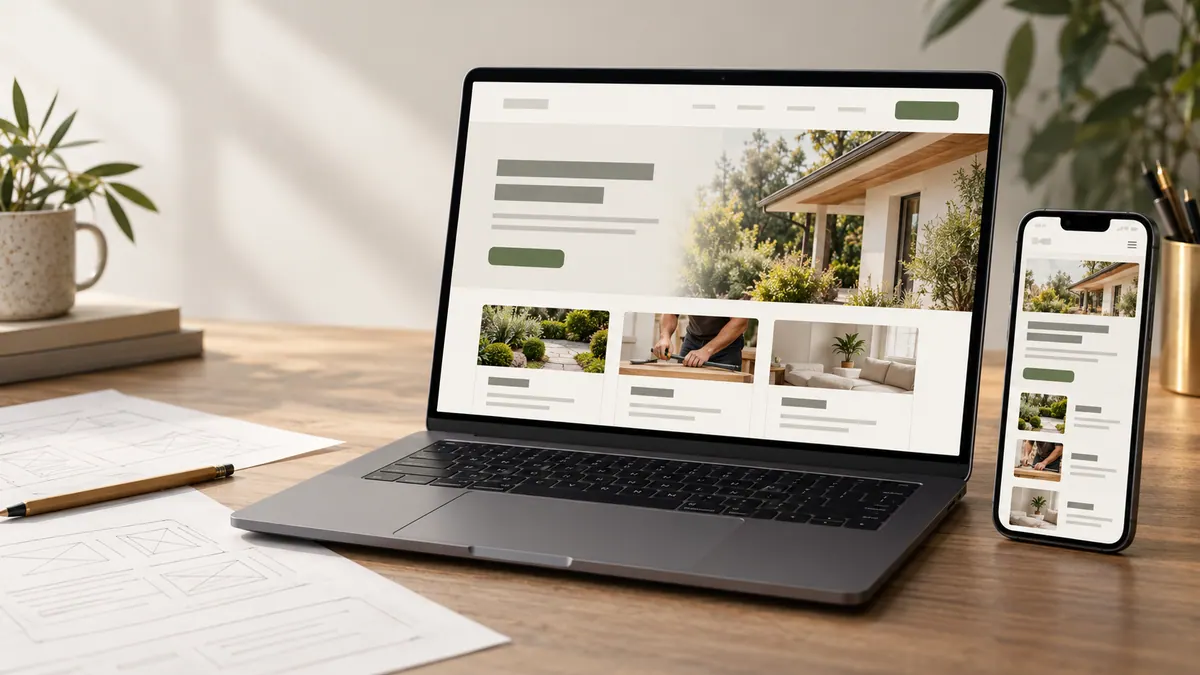
Make the page easy to find from relevant services or navigation. Check the mobile view: can people understand the offer and ask about availability?
Keep location pages useful
Don’t create “winter repair in Town A” and “winter repair in Town B” from the same paragraph with the place name swapped.
A local page needs genuine information about that area, such as service constraints, relevant work or availability. Otherwise one good service-area explanation is often more useful.
Read service-area pages without doorway problems before expanding seasonal location pages.
Review the page after the season
Did the page attract enquiries the business could handle? Were customers confused about costs, deadlines or locations? Did staff repeatedly explain something that the website missed?
Use the answers to improve the next version. Keep evergreen information and remove anything that is no longer true.
A short seasonal page checklist
Confirm the actual service and audience. Check where it is available. Verify booking windows, capacity and pricing explanations. Add real images. Review the title and description. Test the contact route. Assign a date and owner for the next update.
An unmaintained seasonal page can become misleading surprisingly quickly.
Seasonal pages should fit the site’s broader service-page structure and have a useful reason to exist.
Frequently asked questions
Do I need a new seasonal page every year?
Usually not if a stable page can be updated to remain accurate and useful.
Can a blog article replace a seasonal service page?
Yes, especially when the goal is to answer preparation questions rather than promote a distinct bookable service.
What happens when the season finishes?
Remove expired offers, update availability and retain useful guidance. For retired temporary URLs, plan a relevant redirect or a proper not-found response.
Do seasonal pages guarantee more traffic?
No. Search demand, relevance, competition and technical conditions still matter.
Create seasonal content because people need the information, not because the calendar gives you another keyword.